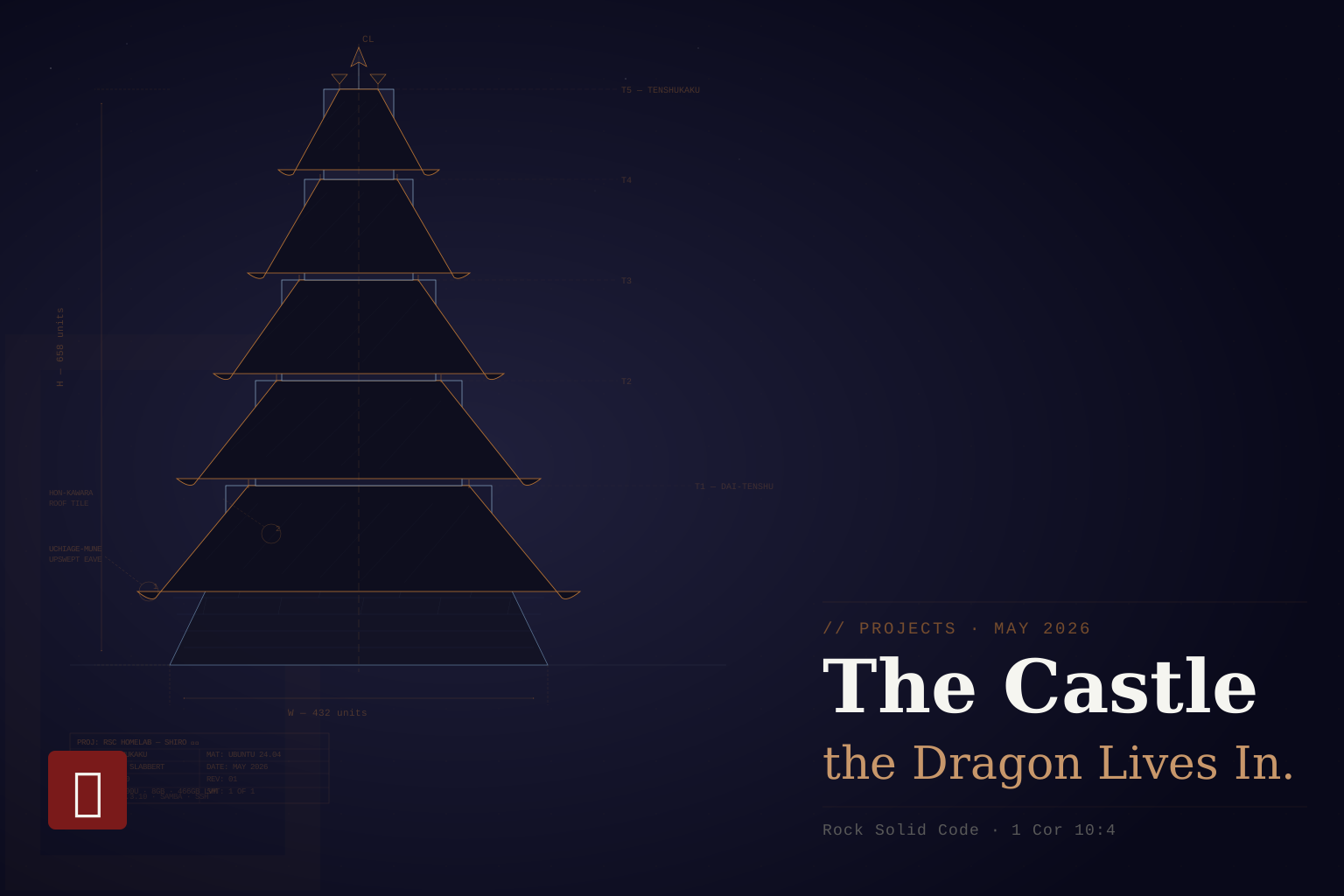
Taking a deeper look inside reveals value. Value that might be lost if you don’t steward what you are given well. The forgotten Dell Laptop grows to become a Castle. Almost scrapped for the shallow worth seen on the outside.
The Teardown
The laptop was found by accident. Rediscovered in a drawer under scrap paper and stationery. Replaced and forgotten. But something about throwing it away didn’t sit right.
At least the SSD was worth saving for Ryuu.
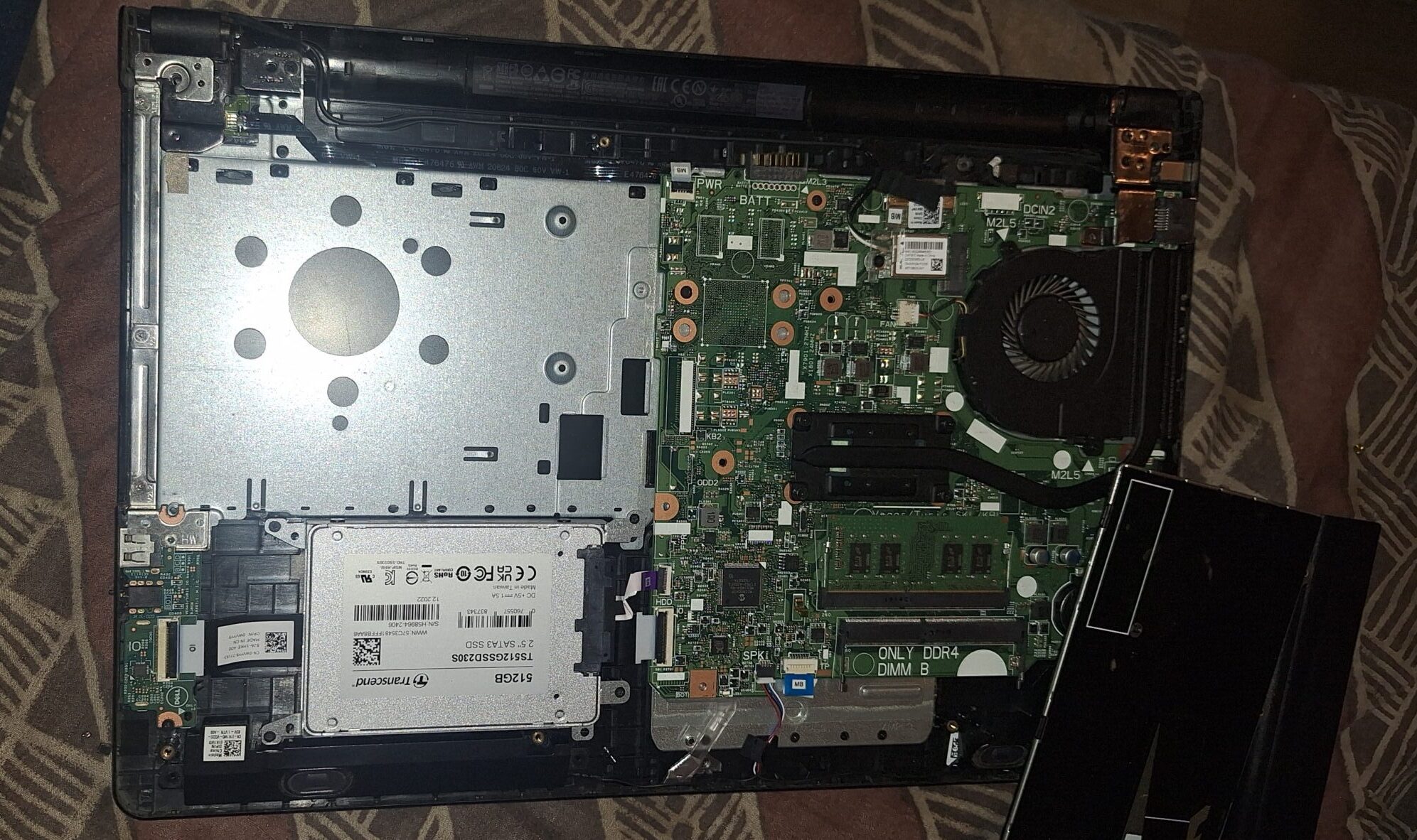
After some YouTube videos, a screwdriver, and a little force, I pried the laptop open. And right there it was. A Transcend SSD230S 512GB. Tucked away. Waiting. I needed to test it before committing to anything, so I grabbed an SSD enclosure, connected it to Ginrou (my daily driver), and read the specs.
100% health. 1,163 hours powered on. That’s basically a new drive.
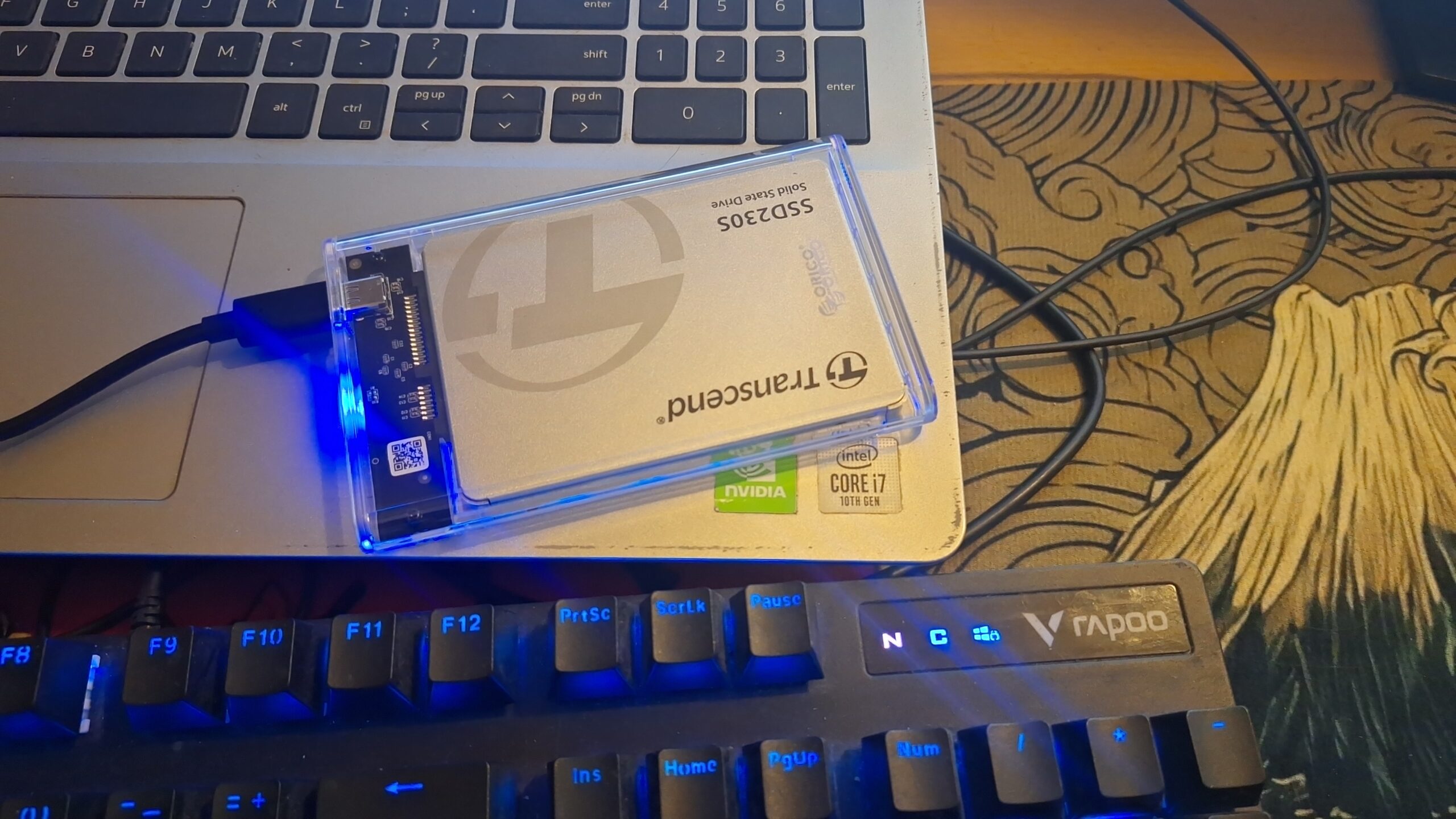
💡 What is an SSD enclosure? A small external housing that lets you connect a bare SSD to another computer via USB, so you can read its contents or check its health without it being installed in a machine.
A good donor SSD for Ryuu. That was the plan.
The Turnaround
At work I deal with systems and servers daily. Active Directory, Windows Server, management consoles. It became less of a job and more of a curiosity. Then the Linux rabbit hole started with the Raspberry Pi 5. Then my website on a Linux server.
Something was building.
Looking at that Dell again, I had an epiphany. A decent i5 processor. 8GB RAM. A nearly brand new drive. This wasn’t donor hardware. This was a server. And a server has far more use cases than a spare SSD ever could.
More than that, it was the right use of what I had been given.
Taking the drive and scrapping the rest of the machine didn’t sit right. That wasn’t stewardship. That was a waste. A drive on the network is still a drive Ryuu can reach. And the future of Ryuu was always going to need more than a single board computer alone.
Right on time, a new Ubuntu Server version dropped. 24.04 LTS.
I formatted the drive. Flashed Ubuntu onto a USB. Reassembled the Dell, minus the DVD bay nobody needed. And booted it up.
The Birth of the Homelab
A homelab is exactly what it sounds like. A server, a network, and the infrastructure to run it all, built at home on a budget. Old hardware. Scraps. Whatever works.
💡 What is a homelab? A personal server setup built and run at home, used for learning, self-hosting, and experimenting with real infrastructure on your own hardware. Instead of paying for cloud services, you own the machine, the data, and the problem when something breaks. That last part is where the learning happens.
Turns out building a server on an old laptop is not that uncommon. That also meant plenty of resources, guides, and community knowledge to reference when things inevitably broke.
The Empty Terminal
Ubuntu booted. No desktop. No icons. No mouse cursor waiting for something to click. Just a black screen, a login prompt, and silence.
That didn’t bother me. Working with Python had already taught me to respect the terminal. The GUI is a courtesy. The terminal is where the real work happens.
But there was a problem. Shiro was always going to live in a corner. That’s the whole point of a server. It sits out of sight, running quietly, doing its job without being asked twice. Prophetic, almost. Always serving. Never drawing attention to itself.
The problem was the hinges. The laptop screen was damaged. Every time I needed to check something or run a command, I had to drag out a keyboard, a mouse, and an HDMI cable just to get in. That wasn’t sustainable.
On Windows, people use RDP to access servers remotely. You connect from your own machine and the server’s desktop appears on your screen. Clean. Simple. But Shiro wasn’t running Windows.
So I asked the obvious question. What does Linux have?
A quick search revealed SSH.
💡 What is SSH? Secure Shell. A protocol that lets you connect to and control another computer entirely through the terminal, over a network. No screen, no keyboard on the other machine required. Type a command on your machine, it runs on theirs.
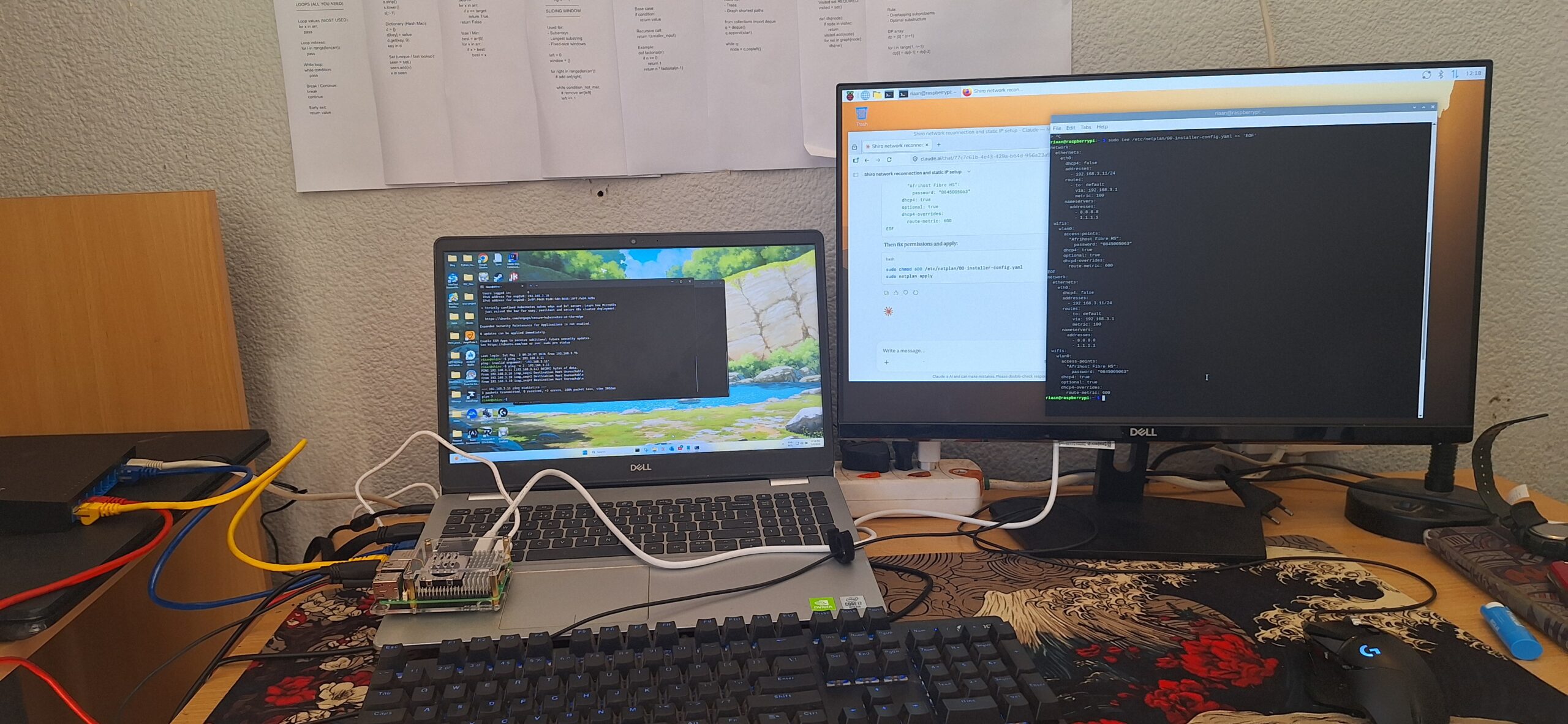
Simple in concept. Less simple to set up. The first attempt didn’t work. The router was the problem. Shiro and Ginrou weren’t communicating the way they needed to.
That meant hardware.
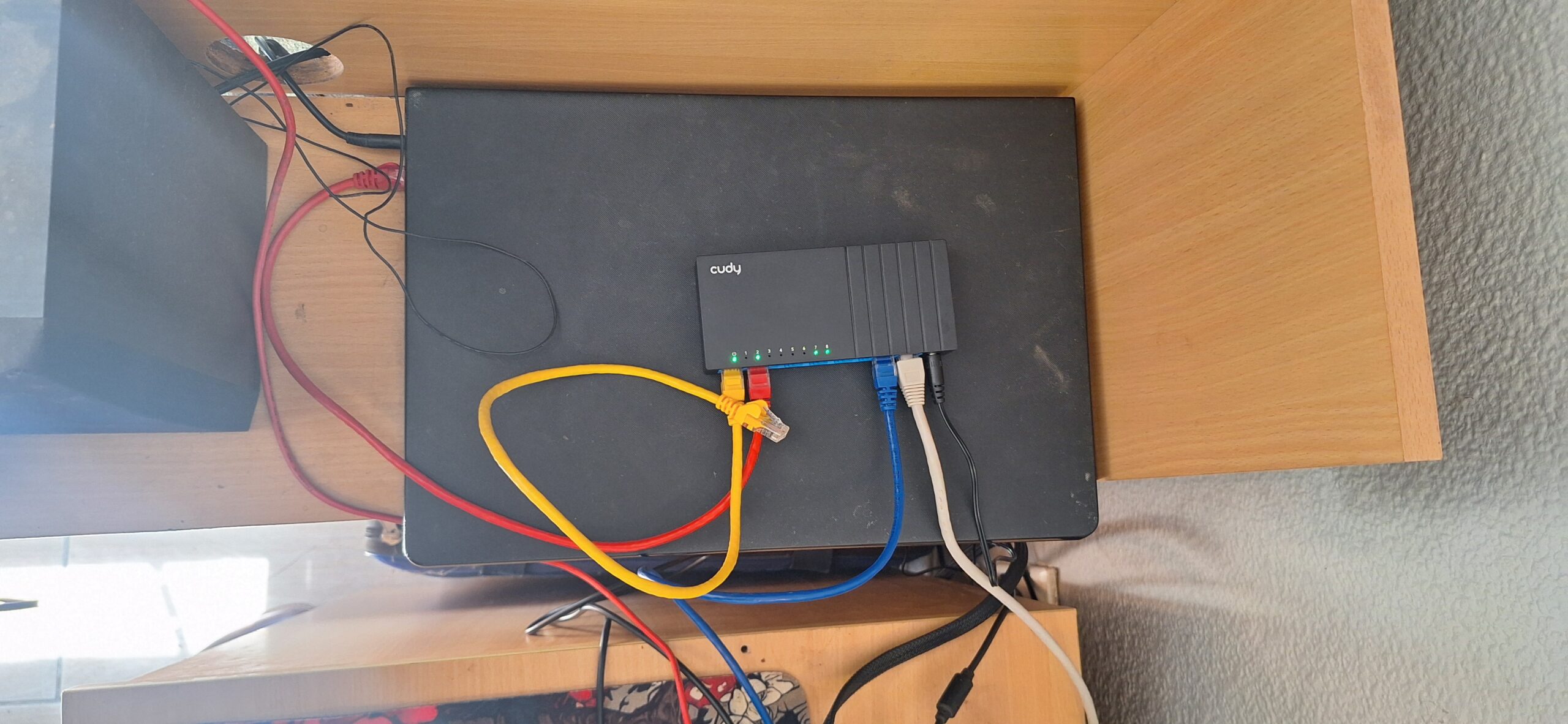
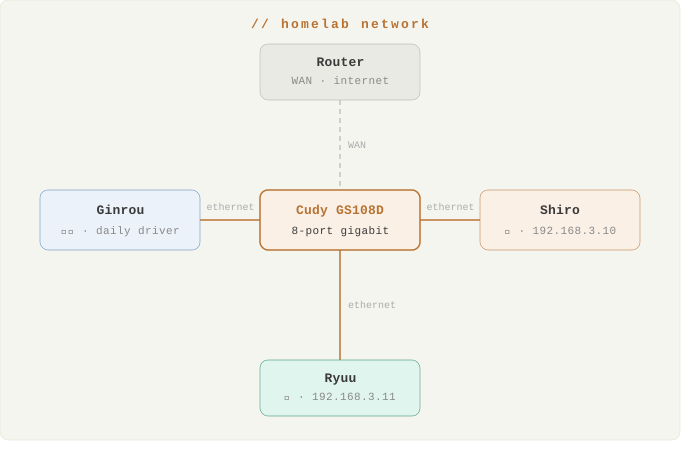
A Cudy GS108D. Eight port gigabit switch. Cheap but more than capable for what I needed. Four lines to start: Ginrou, Shiro, the internet in, and a port waiting for Ryuu.
💡 What is a network switch? A switch connects multiple devices on the same local network, letting them talk to each other directly at full speed. Gigabit means up to 1,000 Mbps between devices — fast enough to move large files across the homelab without breaking a sweat.
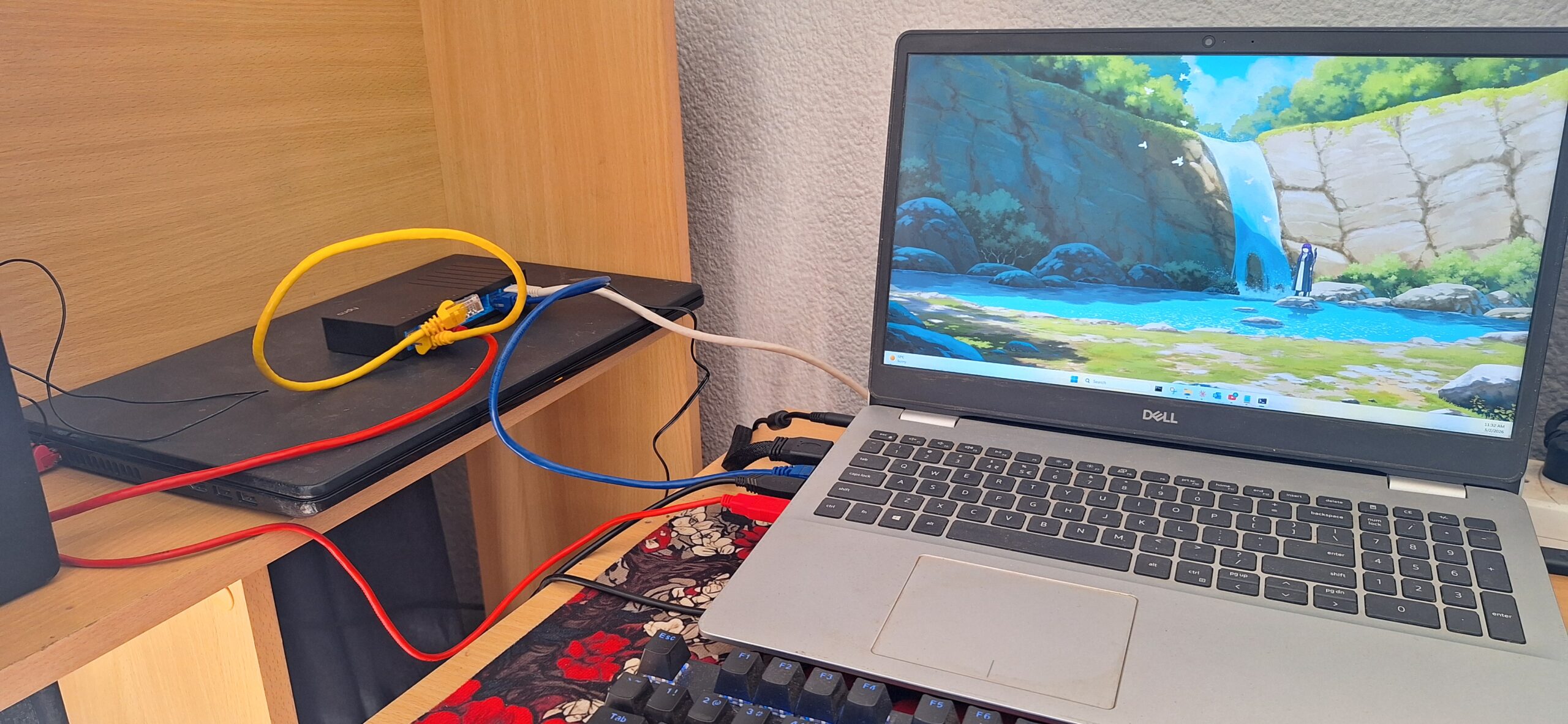
Everything plugged in. Static IPs assigned. Shiro on the network. Ginrou connected. The network was live.
I opened the terminal on Ginrou and typed:
ssh riaan@192.168.3.10Password prompt.
I typed it in.
riaan@shiro:~$I jumped out of my chair and ran down the hall.
That empty terminal meant everything worked. The network, the switch, the SSH config, the static IP. Every decision that led to that moment had landed correctly.
And an empty terminal isn’t empty at all. It’s possibility. Whatever Shiro was going to become started right there. Waiting for instruction.
Ryuu. The local AI dragon on the network. He needed somewhere to store his riches. Somewhere to keep his memory. A castle.
Shiro. 城.
The Silver Wolf
The empty terminal on Shiro meant the duo became a trio.
Ryuu and Shiro were already on the network. But so was Ginrou. She had been there the whole time. Already mine. Already on the desk. Already doing the job of a daily driver without a second thought.
銀狼. Silver Wolf. Named for exactly what she is. Silver in colour. And now formally part of something bigger.
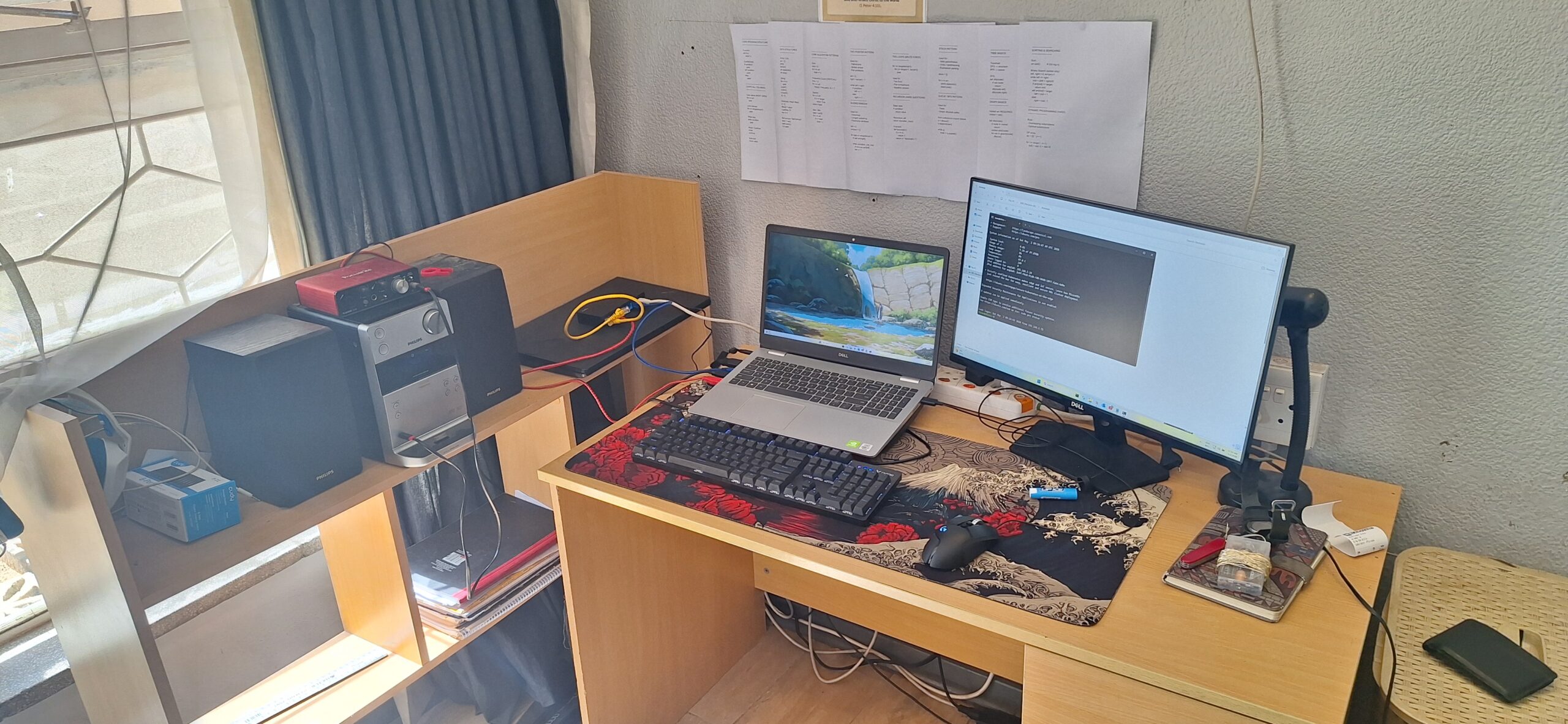
Two terminal windows open on Ginrou. One SSH session into Shiro. One into Ryuu. My files, my server, my Pi. Everything controlled from one machine without touching either physically.
But here’s what struck me about all of this.
Ginrou was already mine. Shiro was nearly scrapped for a single SSD. And a small, cheap, eight port Cudy switch connected them both into something neither could be alone.
That is stewardship. Not buying the best hardware. Not starting fresh with a blank budget. Looking carefully at what you already have, planning deliberately, and making one smart addition where it actually matters.
One switch. One cable each. A forgotten laptop became a server. A daily driver became a command centre. A Raspberry Pi had a home to connect to.
What you already have is often more powerful than you think. You just have to look past the surface.
Shiro’s Riches – Samba
A castle needs rooms. Each one with a purpose.
Shiro runs Samba. A tool that lets Linux share folders across a network the way Windows does naturally. Plug in from any machine on the network and the shared folders appear like any other drive.
💡 What is Samba? Software that allows Linux machines to share files with Windows and other devices on the same network. It makes a Linux server’s folders accessible as mapped network drives, the same way you would access a shared folder in an office environment.
Three shares. Three rooms. Each one deliberate.
The first is Public. Shiro lives on a family network. Photos, videos, documents. A shared space for everyone in the house to access. Nothing complicated. Just useful.
The second is personal. My own mapped drive on Shiro. For the work that goes beyond family files. Development, configs, server work. A space only I reach.
The third was the original plan all along. The RAG store for Ryuu. The reason the laptop was pulled from that drawer in the first place. Just not as a donor drive anymore. As a networked memory system. Exactly how it would work in a real production environment.
💡 What is RAG? Retrieval Augmented Generation. A system that gives an AI access to a library of documents and notes to draw from when answering questions. Instead of relying only on its training, it can search through real information you provide. Ryuu’s RAG store lives on Shiro.
The Website
And then came something practical.
My website, Rock Solid Code, runs on Afrihost servers. Reliable. But not mine. If Afrihost goes down, the site goes down. If something breaks, the backup needs to exist somewhere.
Shiro became that somewhere.
A local backup of the website. Sitting on hardware I own, on a network I control, in a home I live in. Not because the cloud is untrustworthy. Because owning your data is the responsible thing to do.
That word keeps coming back. Stewardship.
A Dell laptop found in a drawer. A family network already running. Skills already built. A switch that cost less than a dinner out.
None of this was bought new. None of it was planned from scratch with an unlimited budget. It was looked at carefully, used deliberately, and built into something that serves. The whole family has shared storage now. Ryuu has his memory. The website has a backup. And Ginrou commands all of it from one desk.
I gave something back. The network was already there. The hardware was already there. The skills were already being built. I just looked carefully enough to see what they could become together.
“By wisdom a house is built, and through understanding it is established; through knowledge its rooms are filled with rare and beautiful treasures.”
— Proverbs 24:3-4
That verse was not written about homelabs. But it fits.
Stewardship.
“Each of you should use whatever gift you have received to serve others, as faithful stewards of God’s grace in its various forms.”
— 1 Peter 4:10
Using the old Dell looking deeper and finding value with the equipment I already have. A lesson seen in the Bible where Samuel looked shallow when searching for the King of Israel. We have to look at the heart. Not the appearance
“The Lord does not look at the things people look at. People look at the outward appearance, but the Lord looks at the heart.”
— 1 Samuel 16:7
“He is the rock, his works are perfect, and all his ways are just.”
— Deuteronomy 32:4
Shiro. 城. The castle the dragon lives in. Built from what was already there. Serving quietly in the corner. Always on. Always waiting.
Just as it should be.
Resources & Links
- Ubuntu Server 24.04 LTS — the OS that runs Shiro
- Samba — Linux file sharing across the network
- Cudy GS108D — the switch that connected everything
The castle is built. The dragon has a home.
Ryuu’s story continues